SharePoint: exclude a document library from search
Use one advanced setting on the document library to keep its items out of search results.
To keep a document library out of search results:
- Open the document library settings.
- Select "Advanced Settings".
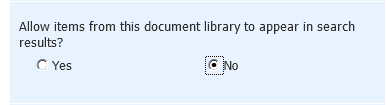
- Set "Allow items from this document library to appear in search results?" to No.