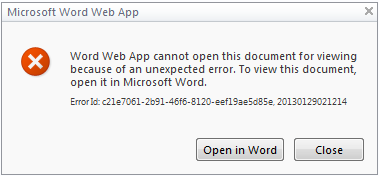
SharePoint: Word Web App cannot open this document for viewing because of an unexpected error
Fix Office Web Apps in SharePoint 2010 failing to open any document by checking the viewing service, its proxy and the proxy group.
Office Web Apps can stop opening documents. Clicking any document link shows this error:
The ULS log contains this exception:
text
System.AccessViolationException: Attempted to read or write protected memory.
This is often an indication that other memory is corrupt.
Fix
The steps below use Word as the example. The same applies to the other viewing services.
- Make sure the Word Viewing Service is started.
- Central Admin > System Settings > Manage services on server > Word Viewing Service

- Stop the Word Viewing Service and start it again.
- Make sure the Word Viewing Service proxy exists.
- Central Admin > Application Management > Manage service applications
- Look for the proxy in the list.

- Make sure the proxy is in the web application's proxy group.
- Central Admin > Application Management > Manage web applications
- Select the web application, then click Service Connections on the ribbon.
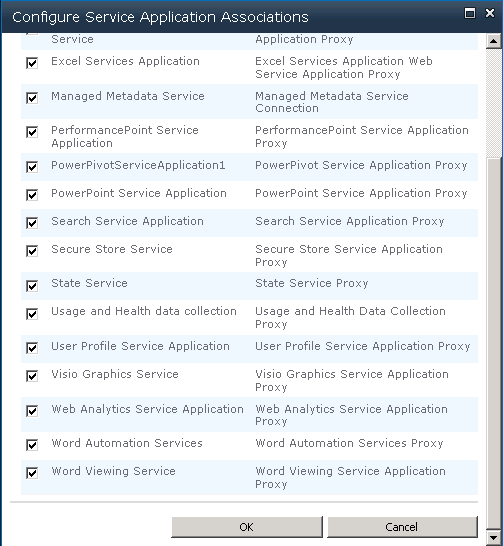
After this, Office documents open in Office Web Apps again.