Visual Studio 2012 - Change themes
Install the Color Theme editor extension to get the blue theme back in Visual Studio 2012, and turn off the upper case menu.
Visual Studio 2012 ships with light and dark themes only. If you miss the blue look of Visual Studio 2010, add the Color Theme editor extension.
- Download the Visual Studio Color Theme editor from the Visual Studio Gallery.
- Install the downloaded extension.
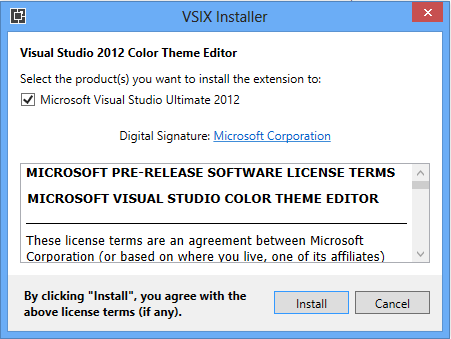
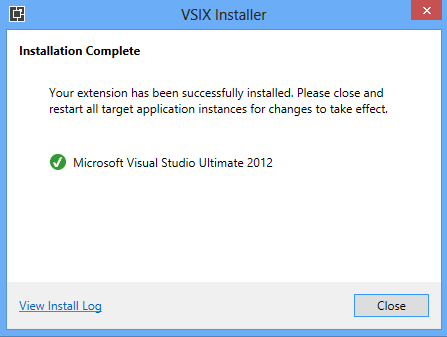
- Restart Visual Studio 2012.
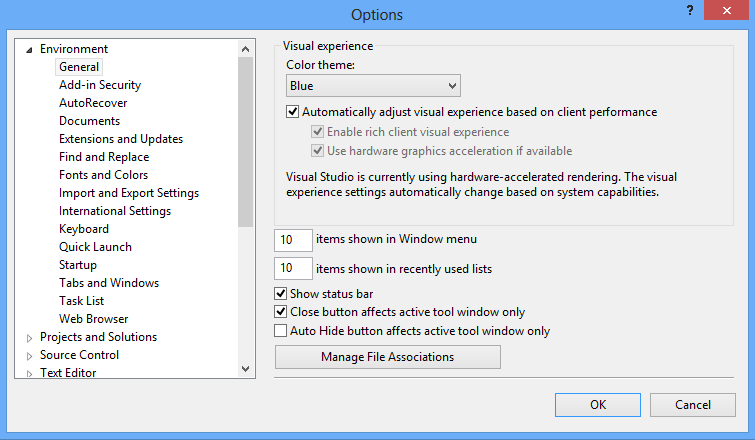
- Click Tools, then Options, and choose the blue theme. It is close to Visual Studio 2010.
Turn off the upper case menu
Visual Studio 2012 shows the menu bar in capitals.

To change it:
- Open the Registry Editor.
- Go to
HKEY_CURRENT_USER\Software\Microsoft\VisualStudio\11.0\General. - Add a new 32-bit DWORD named
SuppressUppercaseConversionand set it to1.

Restart Visual Studio and the menu shows its normal casing.