Visual Studio Code Formatting
Control how Visual Studio formats your C# code and format a whole document with one shortcut.
Well written code has proper formatting and indentation, which makes it easier to read. Visual Studio formats code as you type, and you can customise the rules.
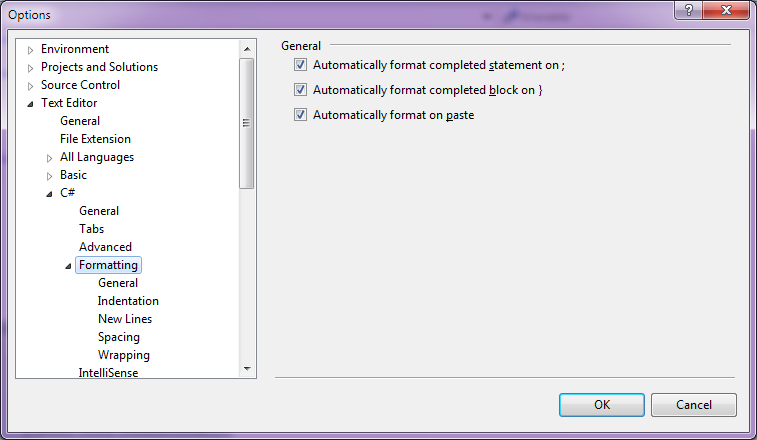
- Open the Options dialog from Tools -> Options.
- Select Text Editor -> C# -> Formatting.
- Adjust the settings to match your team's style.
To format the current document, use Edit -> Advanced -> Format Document. The keyboard shortcut is Ctrl + E, D.